
What is HTML.to.Editable.Design?
HTML.to.Editable.Design is a Figma plugin and browser extension that converts any HTML, CSS, or live webpage into fully editable Figma designs — in seconds.
Instead of manually recreating designs from scratch, simply paste your code, upload a file, enter a URL, or capture any webpage with the browser extension. The plugin generates a pixel-accurate Figma design with real layers, text nodes, auto-layout, and styles you can edit immediately.
How It Works
1. Choose your input
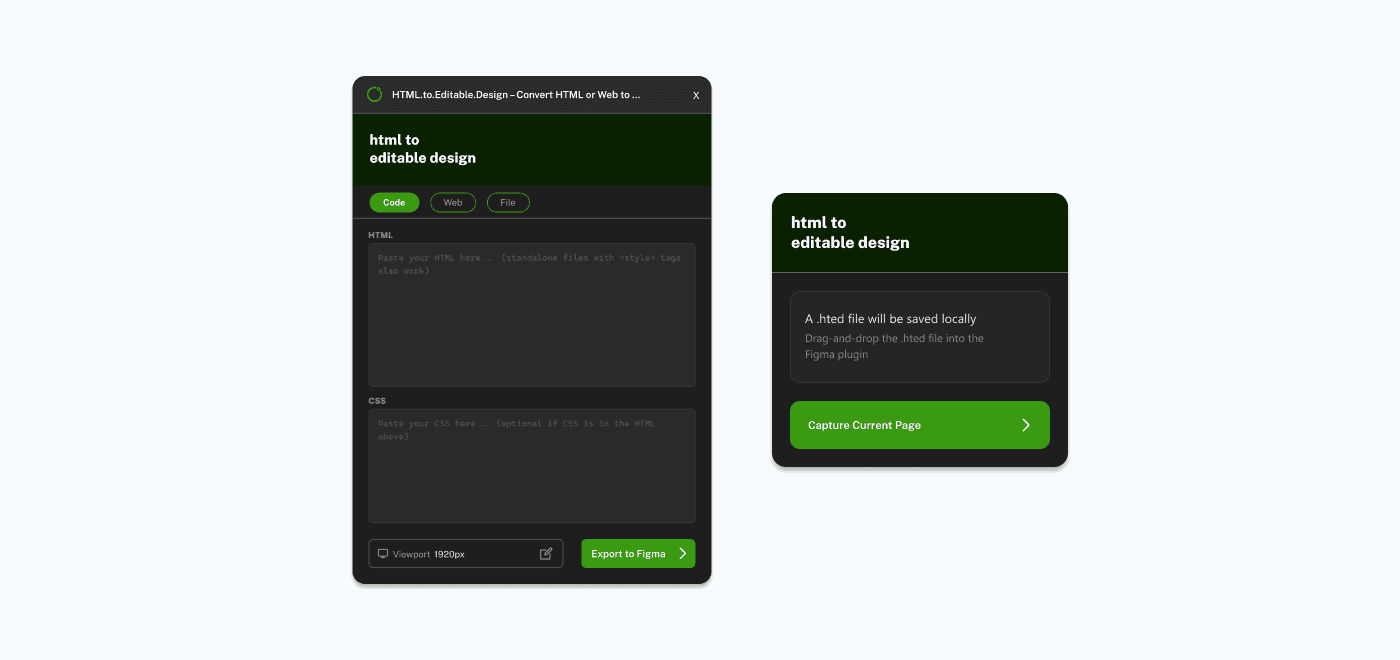
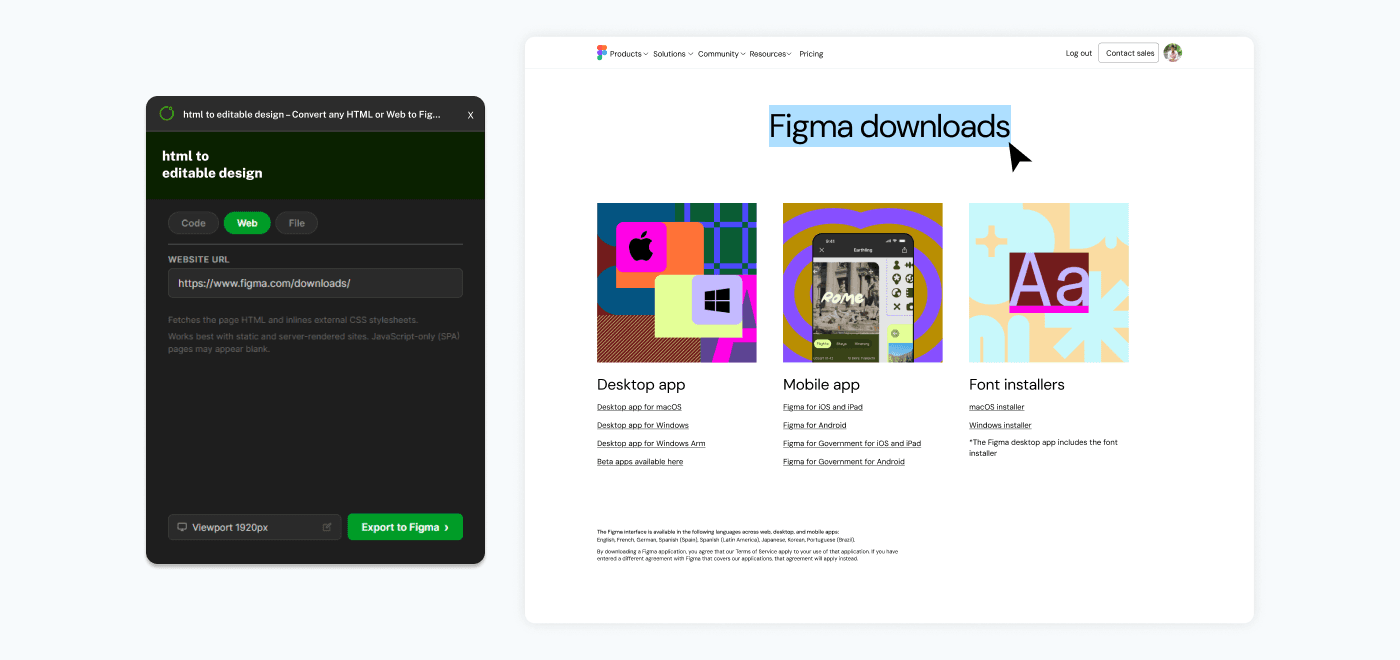
Open the Figma plugin and pick one of the available input methods. You can paste HTML and CSS directly in the built-in code editor, upload a local .html or .zip file, enter a live website URL, or import an .hted file captured by the companion browser extension. Each method feeds your content into the same conversion pipeline.
2. Select a viewport
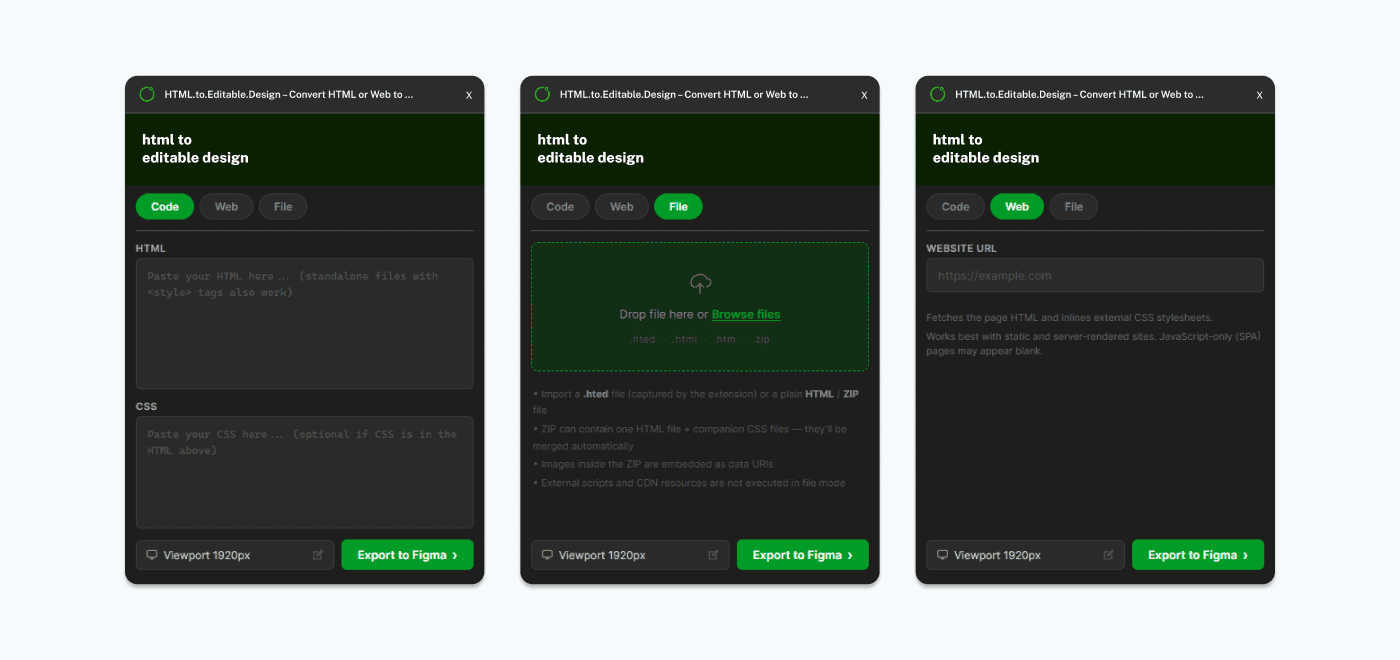
Choose the screen size you want your design rendered at. The plugin offers five preset viewports — 1920px (desktop), 1440px (laptop), 1024px (small desktop), 768px (tablet), and 390px (mobile). Responsive CSS media queries and layouts will activate based on the viewport you select, just like in a real browser.
3. Export to Figma
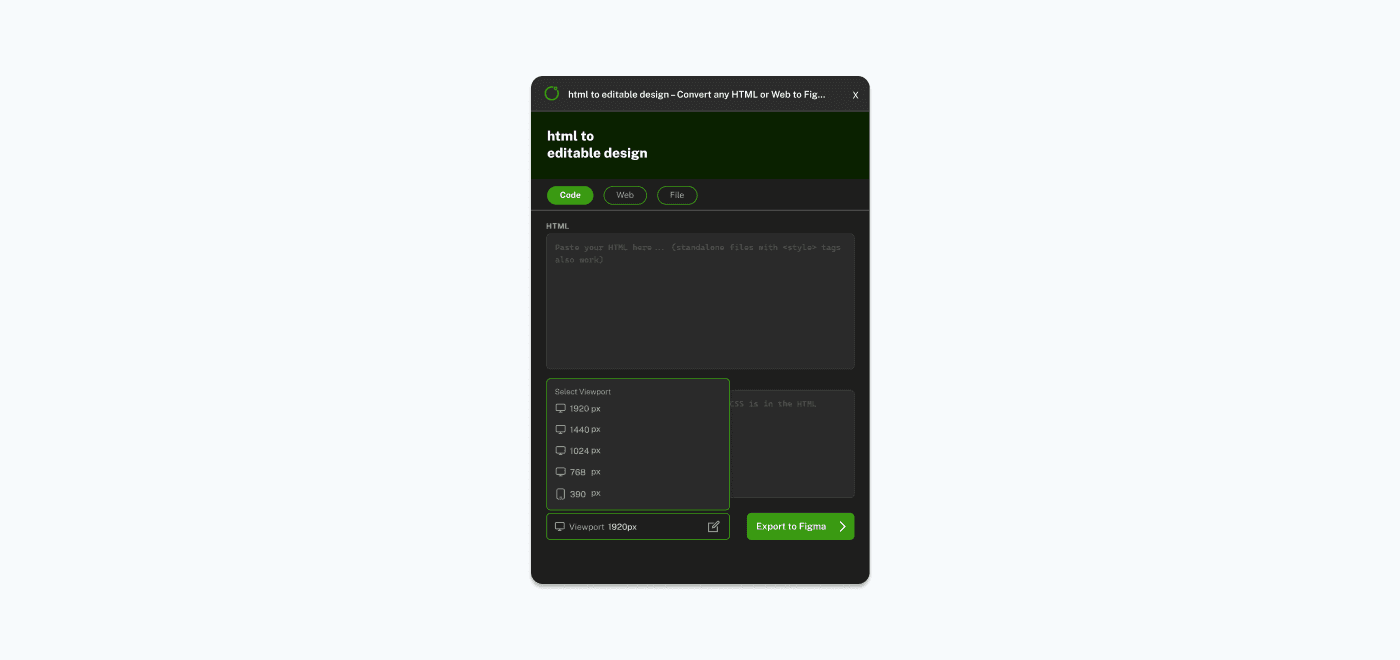
Click the "Export to Figma" button and the plugin takes over. It renders your HTML in a hidden browser environment, walks through every element on the page, extracts all styles and layout information, fetches images, and builds the corresponding Figma layers one by one. You'll see a progress indicator showing each step as it happens.
4. Edit freely
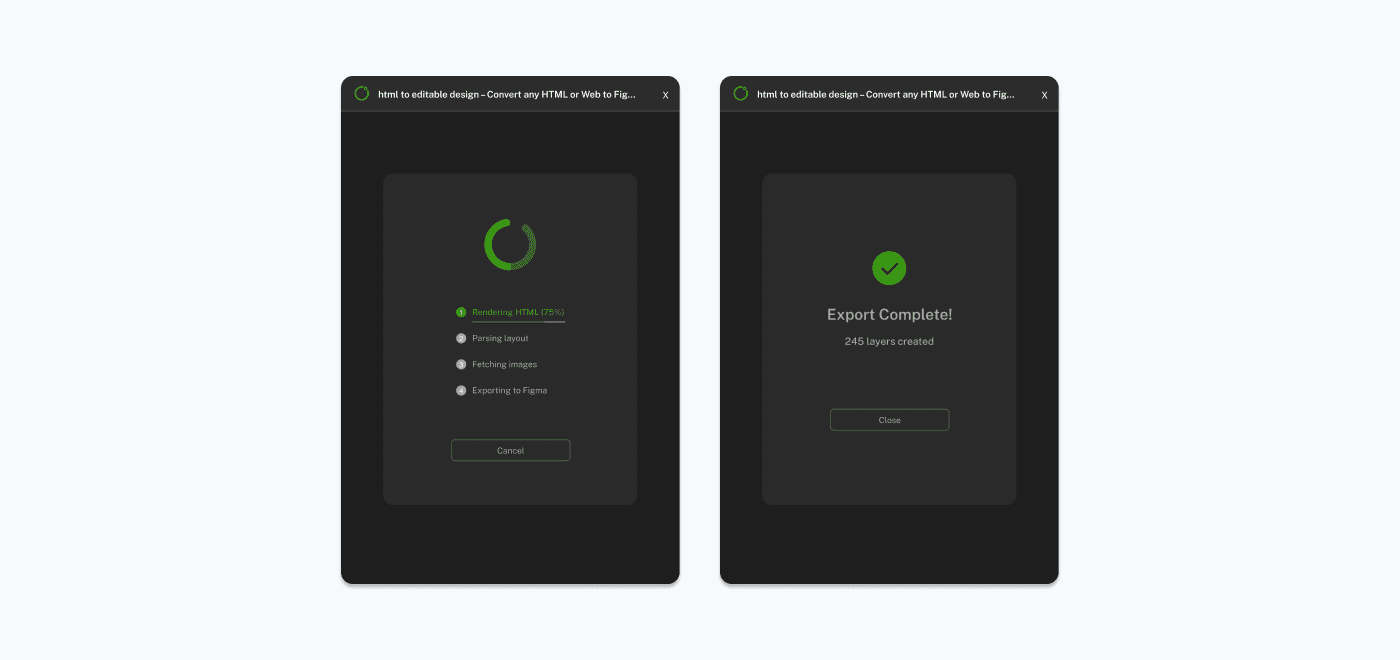
Once the export completes, a fully editable Figma frame appears on your canvas. Every element is a real Figma layer — text nodes you can retype, frames with auto-layout you can rearrange, colors and styles you can tweak. It's your design now.
What Are the Benefits?
Save hours of manual work
Recreating a website or UI in Figma from scratch can take hours of tedious work — measuring spacing, matching colors, retyping text. HTML.to.Editable.Design does it all in seconds, freeing you up to focus on actual design decisions instead of pixel-pushing.
Improve team collaboration
Import any existing website or prototype into Figma and your entire team can brainstorm, annotate, and iterate on it together in real time. No more passing around screenshots — everyone works on the same editable design.
Extract design assets instantly
The plugin automatically pulls images, fonts, colors, and layout structures from the source HTML. Instead of hunting through browser dev tools or asking developers for assets, you get everything in your Figma file ready to use.
No design experience required
You don't need to be a Figma expert to use this plugin. Developers, product managers, and anyone with HTML can generate a Figma design without learning complex design tools from scratch. Paste your code, click export, and you're done.