
Web
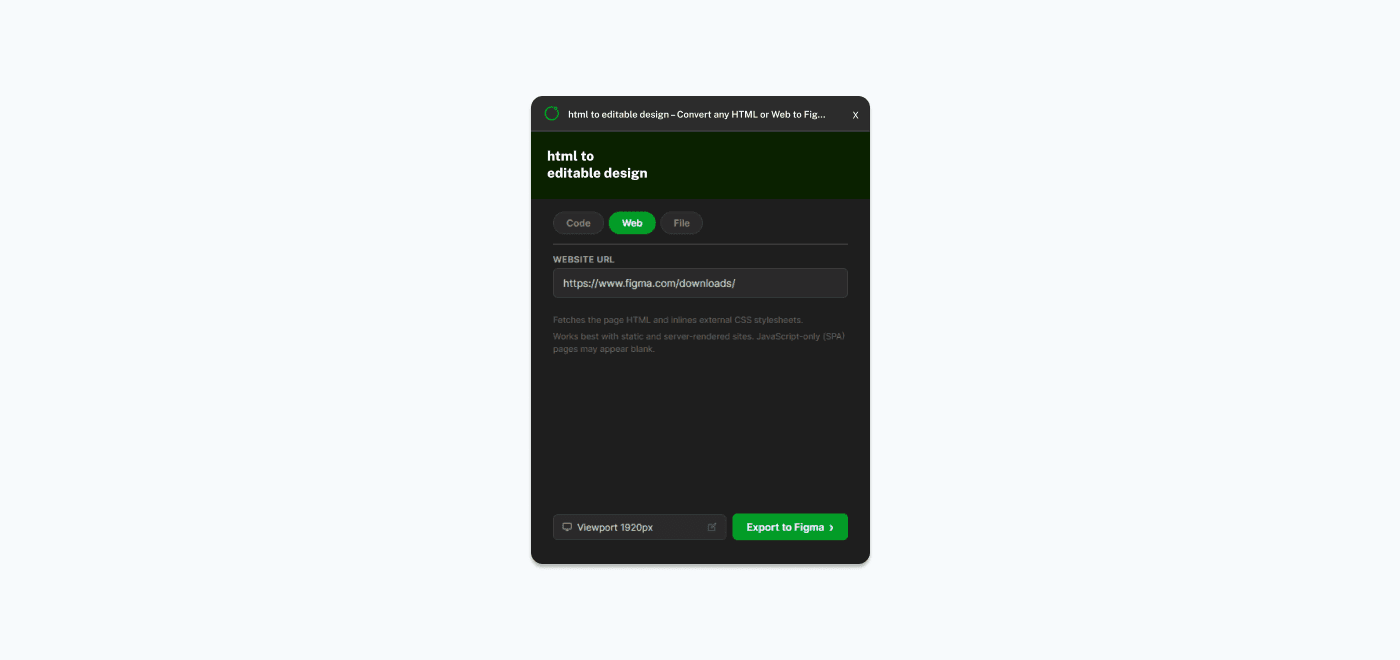
The Web tab lets you import a live webpage by entering its URL.
How to Use
- 1Open the plugin in Figma
- 2Select the Web tab
- 3Paste the full URL of the webpage (e.g., https://example.com)
- 4Select a viewport width
- 5Click "Export to Figma"
Limitations
- Some sites may block the CORS proxy — use the Editor tab or Browser Extension instead
- Pages behind authentication (login walls) require the Browser Extension
- JavaScript-heavy SPAs may not fully render (3-second wait for JS execution)
Best For
- Quickly importing any public website into Figma
- Capturing landing pages, marketing sites, documentation pages
- Getting a design starting point from an existing website