
File
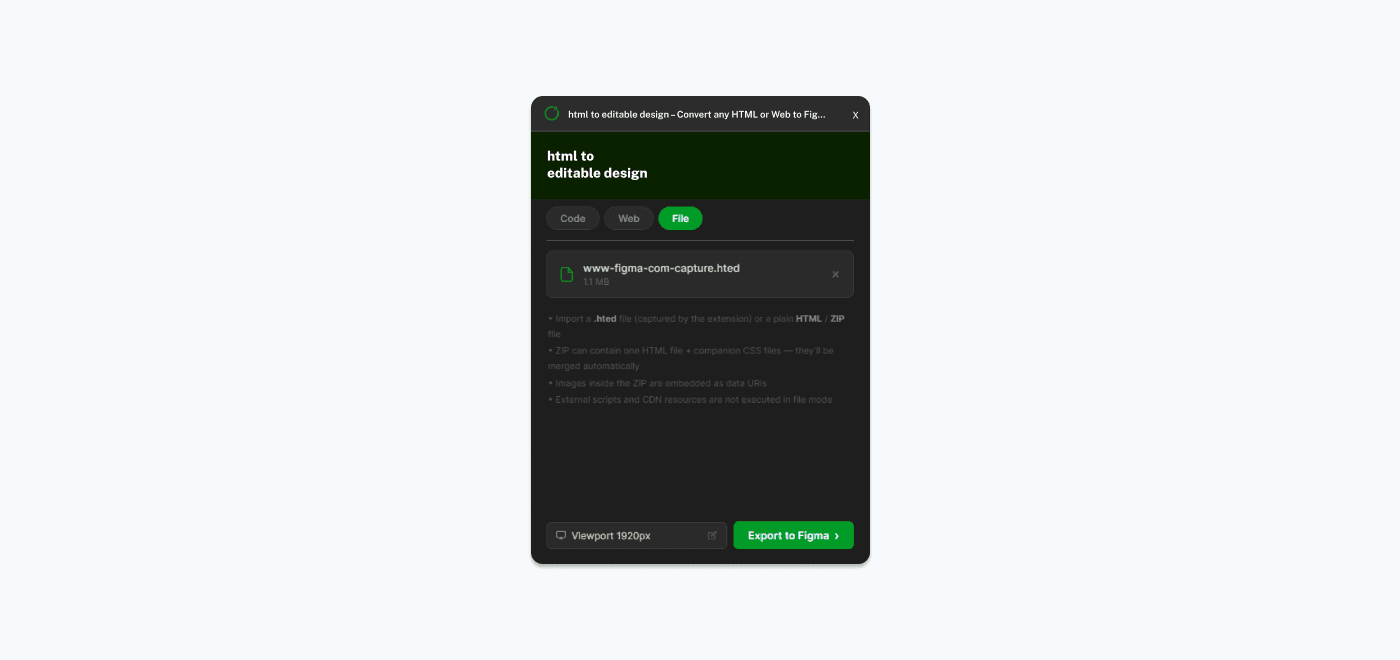
The File tab lets you import local .html, .htm, or .zip files.
How to Use
- 1Open the plugin in Figma
- 2Select the File tab
- 3Drag and drop a file onto the drop zone, or click "Browse files" to select one
- 4The file name and size appear once loaded
- 5Select a viewport width
- 6Click "Export to Figma"
Supported File Types
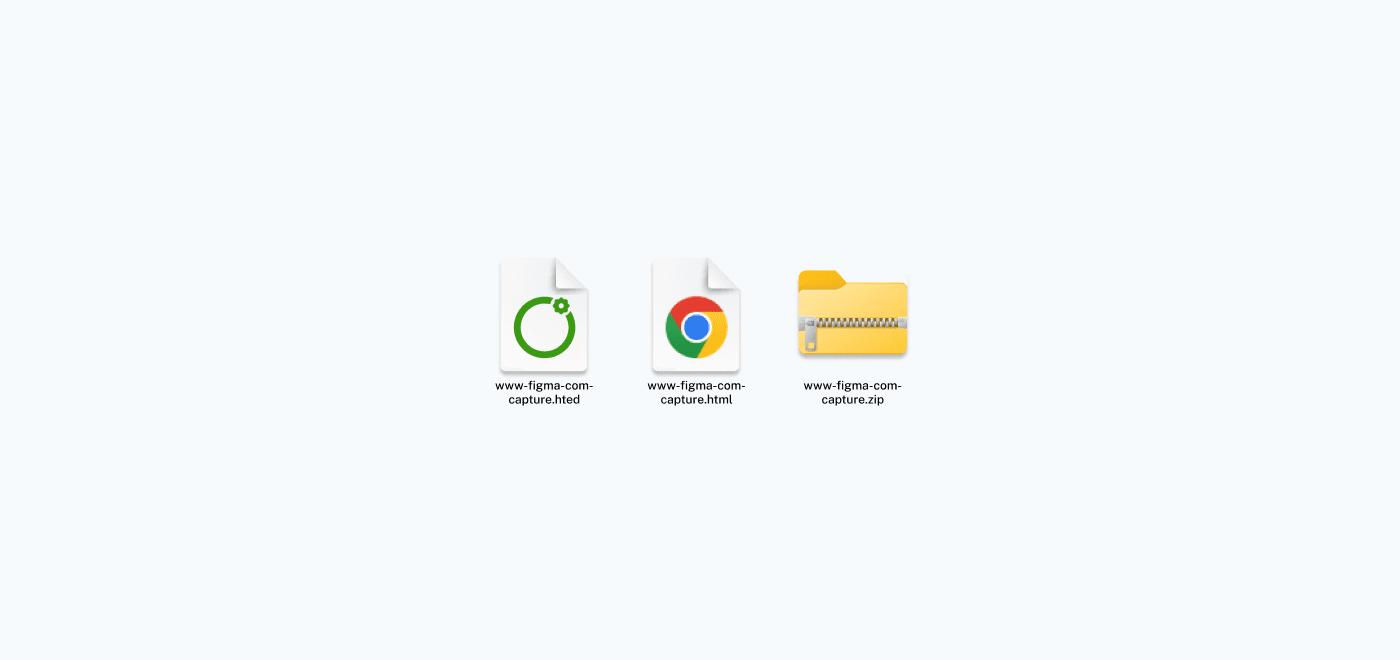
- .html / .htm — Single HTML files with inline or embedded styles
- .zip — Archive containing one HTML file + companion CSS files + images. The ZIP must contain exactly one .html/.htm file (or an index.html). CSS files referenced via <link> tags are automatically inlined. Images referenced in the HTML/CSS are resolved from the ZIP contents.
Best For
- Importing saved web pages
- Sharing designs as HTML files between team members
- Importing bundled HTML+CSS+image packages