Features
HTML.to.Editable.Design gives you multiple ways to bring any web content into Figma as fully editable layers. Whether you're working with a live site, your own code, or a local file — there's a workflow for you.
Import via URL
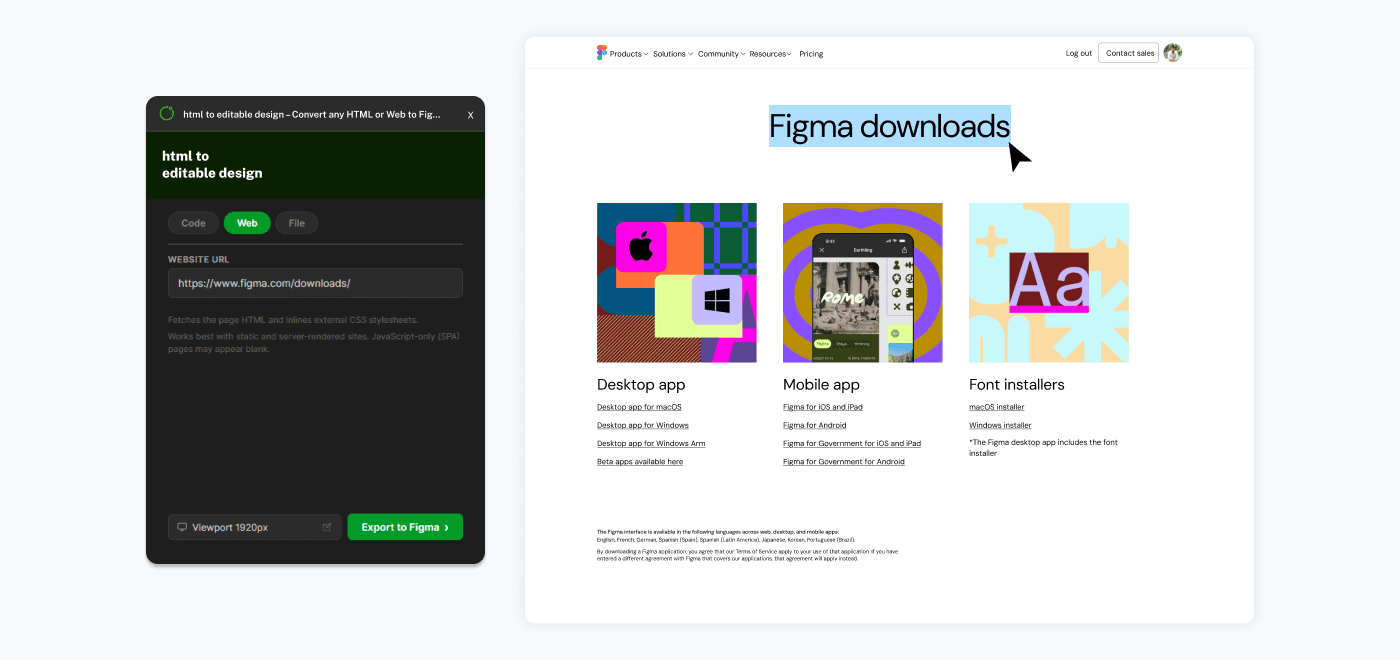
Paste any public website URL into the plugin and it fetches the entire page — HTML, CSS, images, and all. The page is rendered at your chosen viewport size and converted into editable Figma layers. Great for quickly capturing landing pages, marketing sites, or any publicly accessible webpage.
Import via Browser Extension
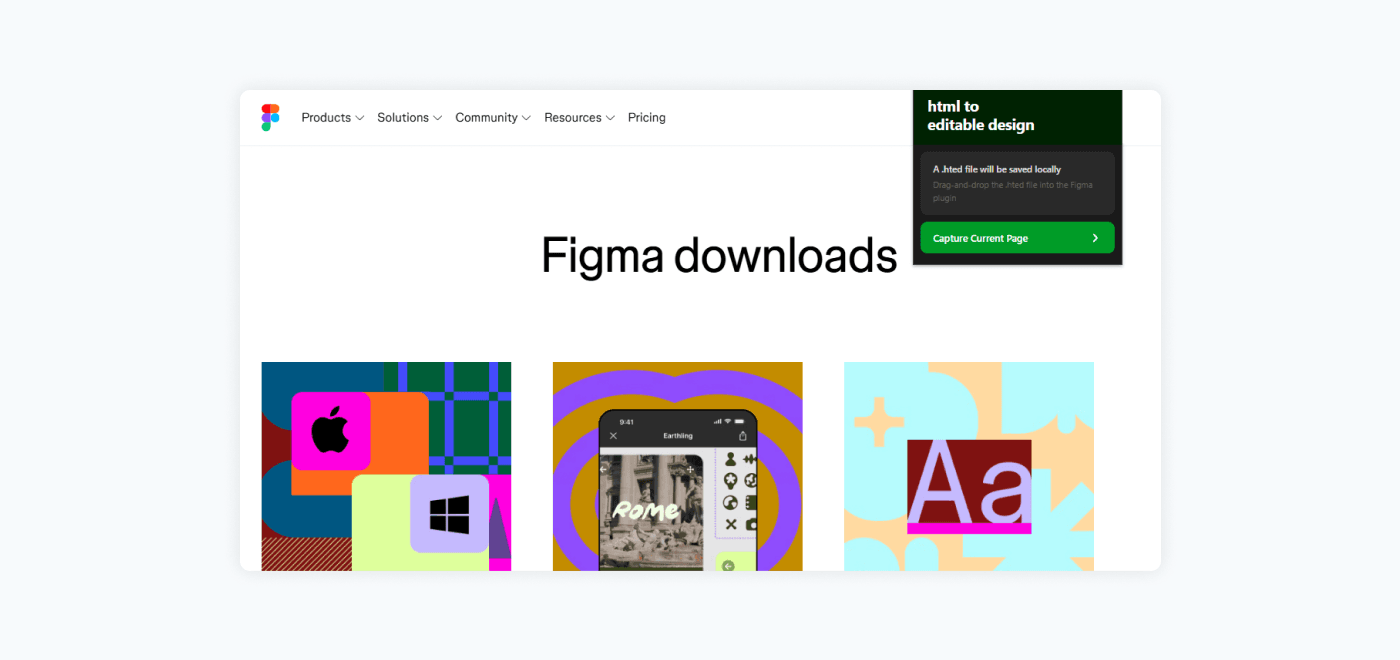
Use the companion browser extension to capture any webpage you're viewing — including pages behind login walls, dashboards, and JavaScript-rendered apps. The extension saves the page as an .hted file, which you then import into the Figma plugin. This is the most powerful capture method since it works with any page your browser can display.
Auto Layout
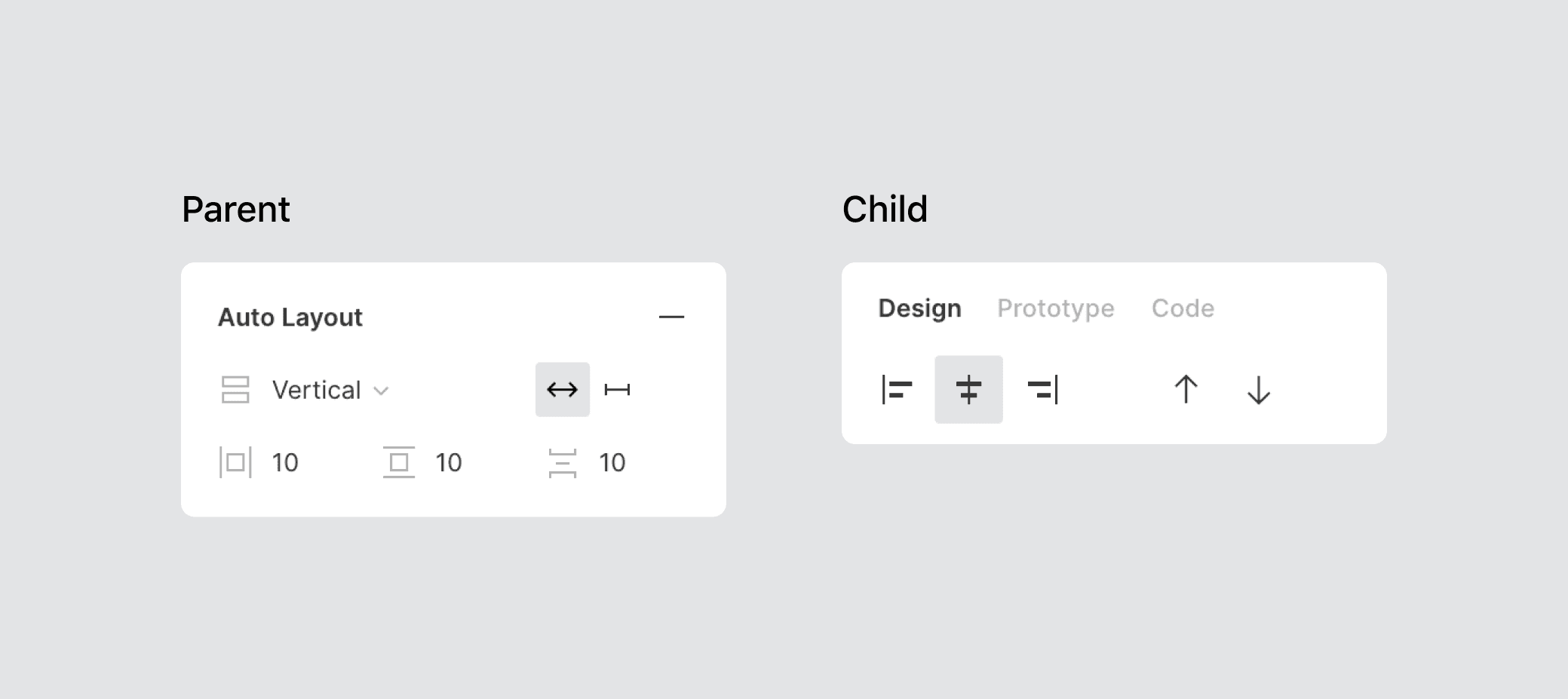
CSS flexbox layouts are automatically converted to Figma auto-layout with correct direction, gap, padding, alignment, and wrapping. Your imported designs aren't just static screenshots — they're structured, responsive Figma frames you can resize and rearrange.
Convert Your Own Code
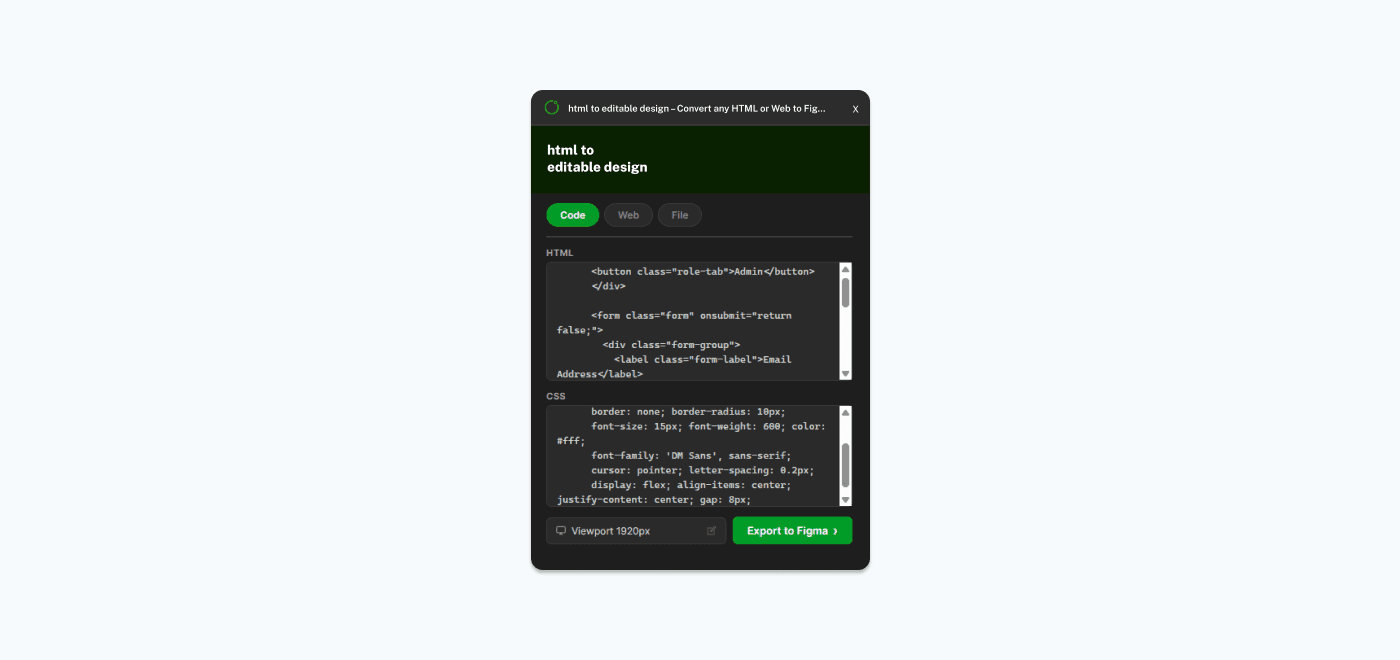
Paste your own HTML and CSS directly into the built-in code editor. Whether it's a component you're building, a prototype, or a full page — the plugin converts it into Figma layers instantly. Perfect for developers who want to see their code as a visual design without leaving Figma.
Upload Your Local Files
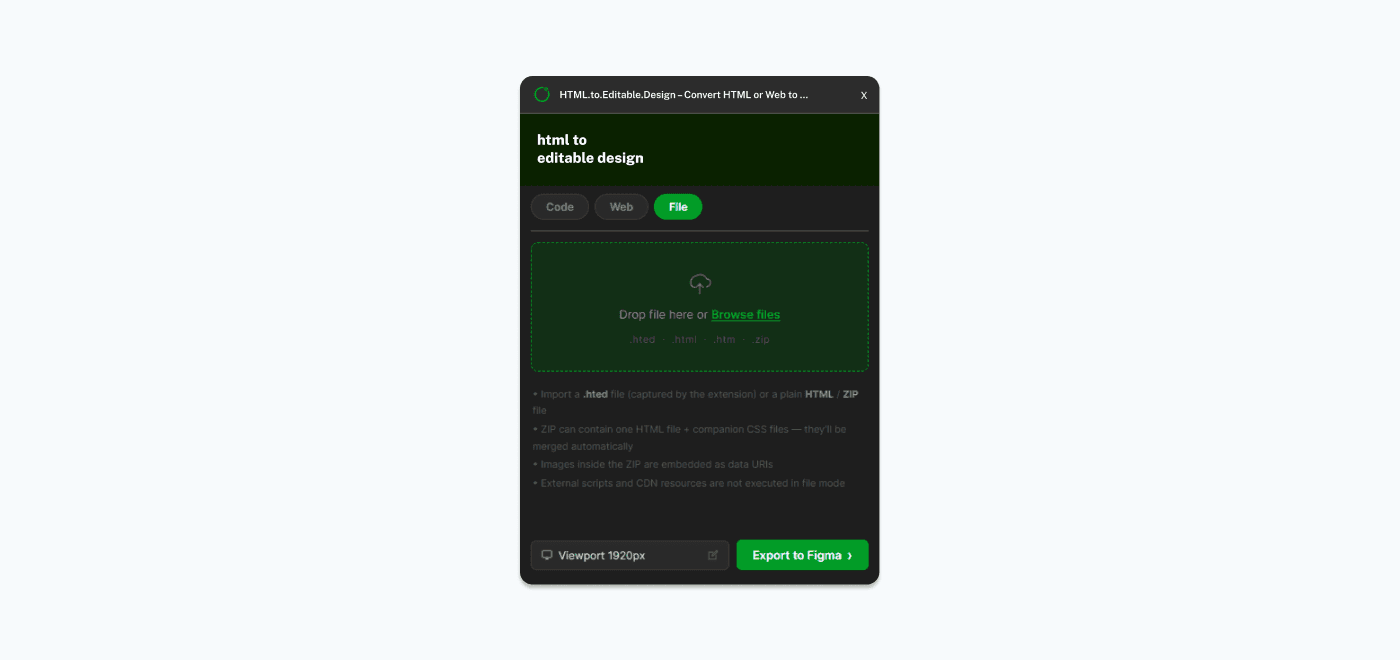
Drop an .html, .htm, .zip, or .hted file onto the plugin's file upload area. ZIP archives can include companion CSS and image files that are automatically resolved. This is ideal for importing saved web pages, sharing designs as HTML files, or working with bundled HTML packages.